|
Here are the most common online threats that you should be aware of. Discover more about each one of them from our articles below...
 How many times have you ignored security warnings from Adobe or Microsoft because you simply didn’t have the time or patience for a software update? Each time you postpone the update and think your system is not important enough to get hijacked, you expose yourself to a bunch of malware attacks; some more sophisticated than others.
When you use an outdated browser or plugin, you may automatically allow a hacker to exploit that vulnerability which grants them full access to your entire data and programs. An exploit attack is no joke and can have serious impact. 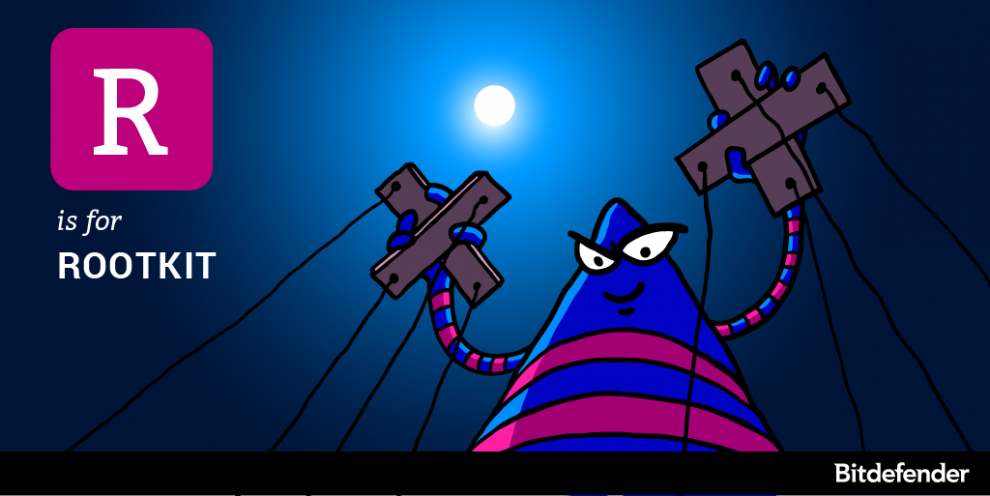 Rootkits are some of the most sophisticated breeds of malware that currently exist on the market. For years, security solutions have struggled with detection and removal, mostly because rootkits compromise the operating system at such a low level, that they can hide their presence from both anti-malware solutions and the operating system itself.
The term rootkit is a concatenation of the words “root” – the most privileged user on a Unix-based operating system and “kit” – the set of software tools that make the rootkit. Rootkits go back to the early 90s when they were focused on Sun and Linux, but the emergence of new operating systems led to the development of rootkits for Windows in 1999 and Mac in 2009. 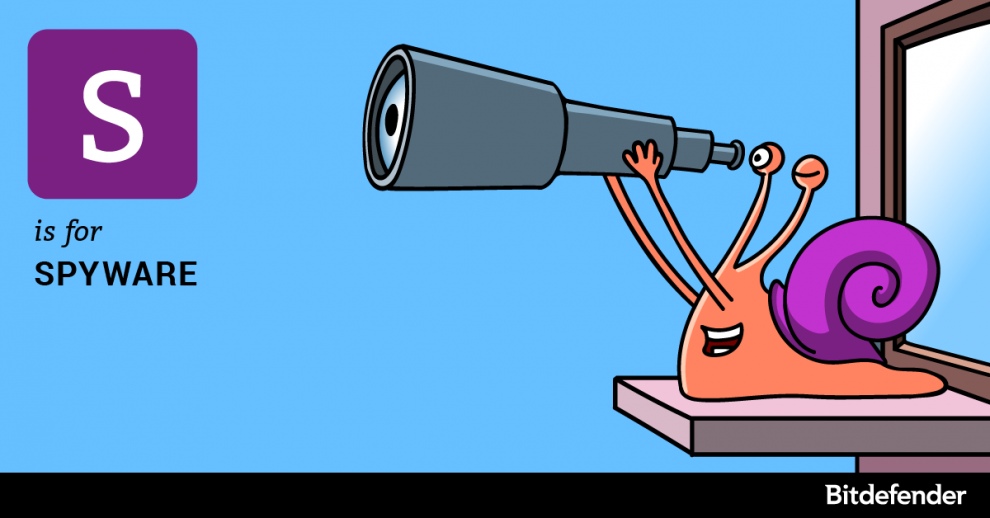 What if a hacker had front row tickets to your bedroom every evening through your laptop’s webcam? Or maybe a stranger was listening in through your microphone while in a confidential business meeting? This is now possible due to malicious software called spyware.
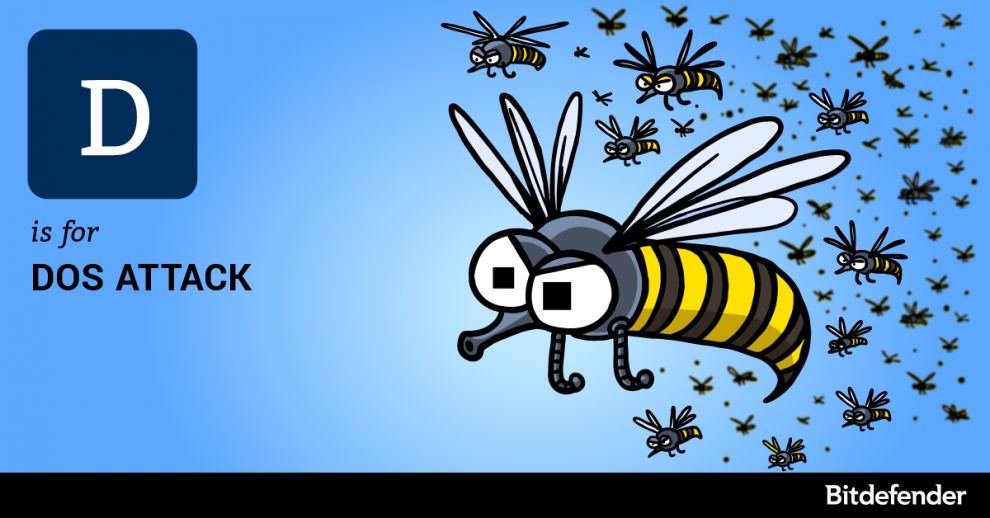 Handshakes have been a sign of friendship since forever. We shake hands so often throughout the day that we lose track of how many people we’ve greeted. But what if none of the people we shake hands with would actually let go of your hand? You’d run out of hands.
In computing this is known as a Denial of Service (DoS) attack meaning that a hacker is flooding your website with fake traffic so it is unable to accommodate people that want to legitimately visit it. Attacks on software applications could stall them or crash them completely. Once the hacker manages to leverage a DoS attack, the site will not be able to process all requests and will show an error message to genuine visitors. Consequently you will lose customers and your search engine optimization efforts will also be affected. 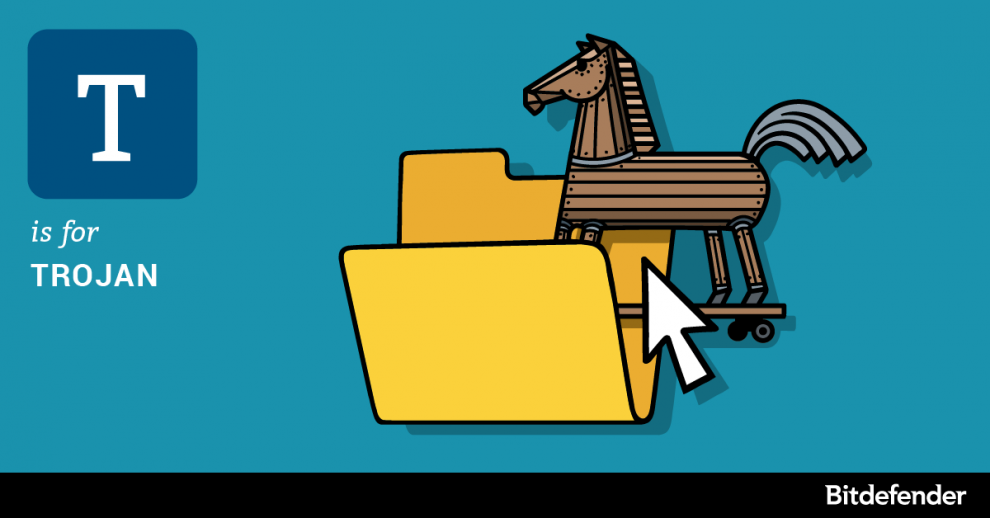 Say you used to know a Jane some years ago. If you’ve just received an email from her without having kept in touch for years, consider it suspicious and definitely don’t open the attachment. Jane could be a hacker just waiting to hack into your system through a Trojan.
The Trojan horse was a sly trick the Greeks used to infiltrate their troops in Troy to ultimately conquer the city. If you apply the analogy, the Trojan is a malicious program a hacker will use to break into a computer. Just as the original Trojan horse deceived the people of Troy, so does the computer Trojan deceive the user by posing as legitimate software. 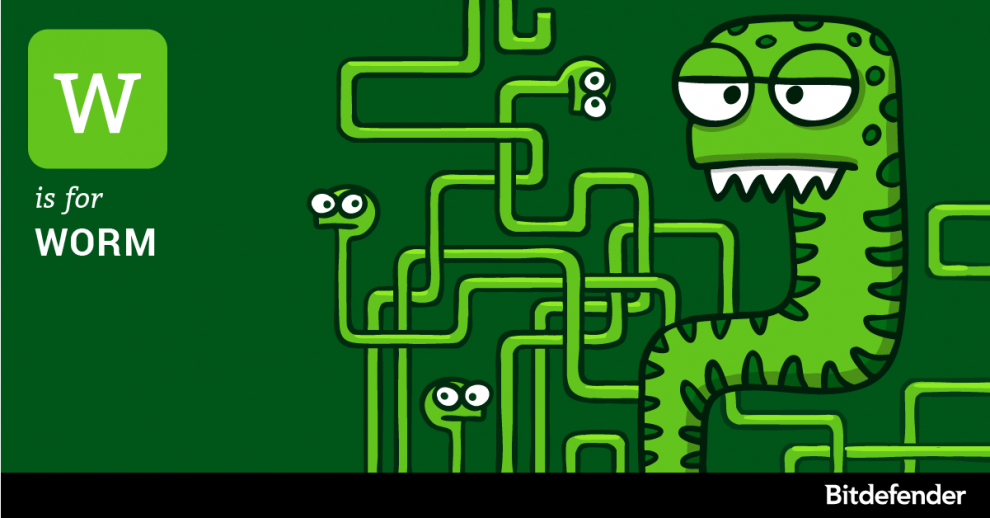 It was a cold November night just as you would expect for that time of the year in the northern part of Romania. The office that is otherwise full with reverse engineers and malware analysts is now occupied by a handful of people working the night shift, answering support tickets and monitoring the infrastructure.
Suddenly, the real time threat monitoring system in the nearly empty Bitdefender office starts blinking red as reports of a new epidemic keep coming from all parts of the world. The malware analysts on site go into alert mode and summon all available staff for intervention. Half an hour late, the office is humming with chatter as reverse engineers start digging into the threat that is wreaking havoc across the Internet. It was the “birthnight” of theConficker worm – a cyber-threat that compromised nearly 15 million computers in less than four months. 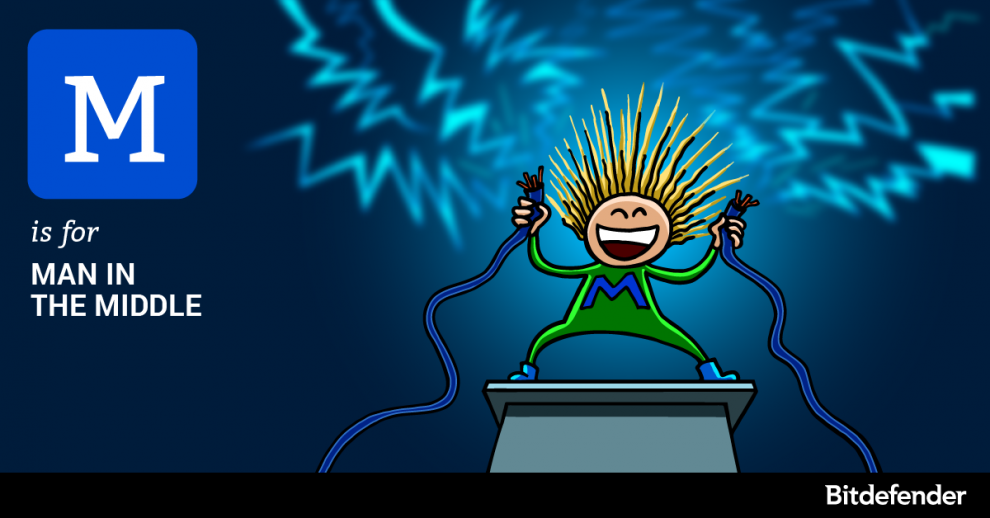 When you request a page, the information travels from the server to your computer via a super-highway of cables, routers and computer switches that stretch the Internet across the world. Like highway robbers of old, modern attackers knows you are vulnerable at every “junction.” These spots are where your data can be intercepted, read and even altered.
A man-in-the-middle attack is a procedure that allows an attacker to interpose between you and the computer you are communicating with to read the conversation or alter it. The procedure was extremely common before the massive switch to HTTP-Secure, and it is still common nowadays, although a little more complicated to carry out. After targeting PCs for years, the omnipresent man-in-the-middle attacks have moved on to mobiles. On account of failing to assess the impact of these attacks, consumers connect their phones to public networks to stay connected, especially when on vacation. 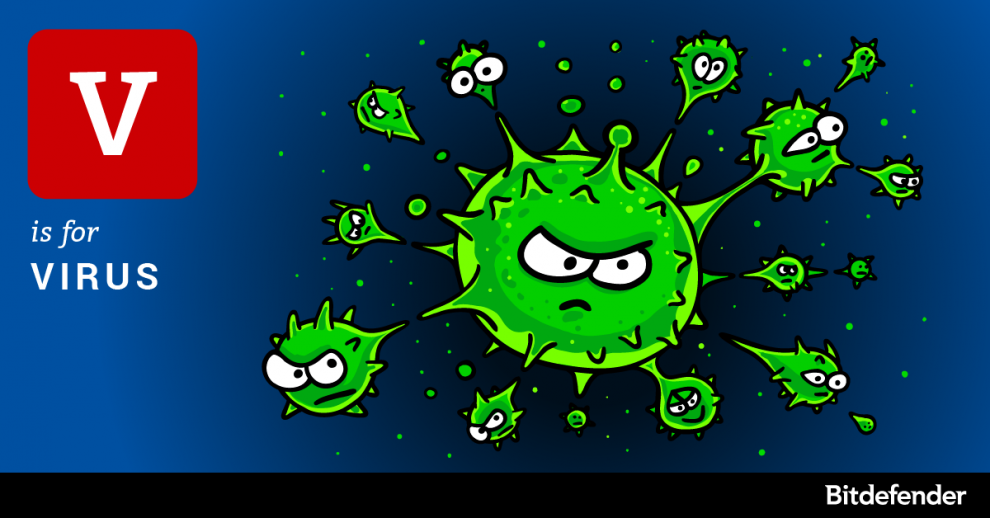 Our retrospective of computer threats started with keyloggers and ransomware, two relatively new malware families. Now here is something only kids of the 80s will remember: viruses – also known as file infectors.
What is a computer virus, anyways? A computer virus is an application that can copy itself by attaching its code to other files on the system. Its mission is to spread from file to file and computer to computer, mostly causing damage and compromising the integrity of the infected computer. Most of the times, the virus would modify system files, rendering the host unusable. In short, a virus could mainly deteriorate system files, which prevents the operating system from booting. Remember: while the term “virus” is improperly used for computer malware, it is not a virus unless it can infect files. 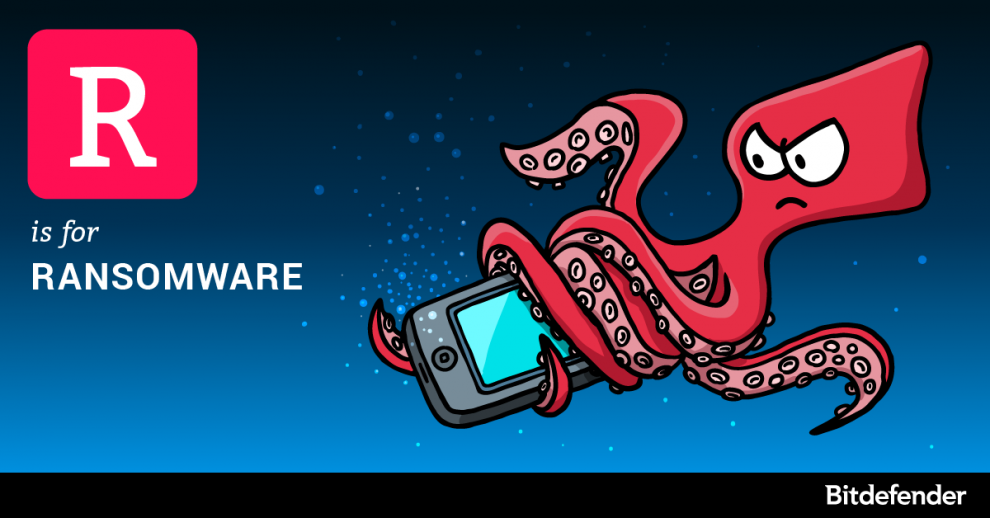 Smartphones and computers are becoming increasingly important in our lives, changing how we chat, talk, work, study, read, shop and move around. What happens when we can’t use our devices or access all the data that supports a modern life? How much would we pay to get it all back?
Cyber-criminals, armed with ransomware, are finding the answers to exactly these questions. |
Protect from RansomwareBuy Bitdefender now 
RECOMMENDED READINGs
All
|
 RSS Feed


For BUSINESS: Gravityzone Advanced Business Security
We are a certified Sales Partner (more than 8 years), not principal
Copyright © 2024 We are a Gold Partner of Bitdefender.
Website managed by 57Network.com