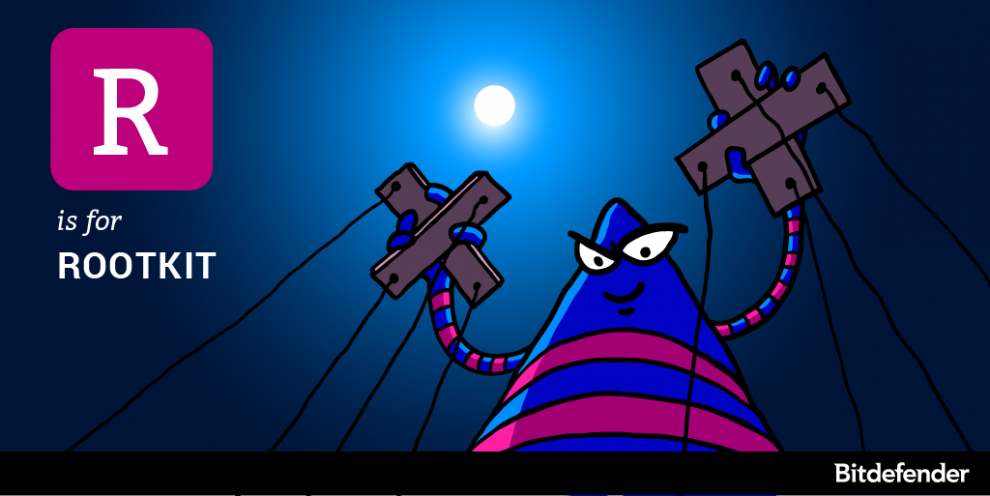
 Rootkits are some of the most sophisticated breeds of malware that currently exist on the market. For years, security solutions have struggled with detection and removal, mostly because rootkits compromise the operating system at such a low level, that they can hide their presence from both anti-malware solutions and the operating system itself. The term rootkit is a concatenation of the words “root” – the most privileged user on a Unix-based operating system and “kit” – the set of software tools that make the rootkit. Rootkits go back to the early 90s when they were focused on Sun and Linux, but the emergence of new operating systems led to the development of rootkits for Windows in 1999 and Mac in 2009. What are rootkits and how do they work?
Unlike traditional malware, rootkits introduce a fundamental flaw in the computer they infect. They do not compromise files or folders – instead, they alter everything that the operating system reports back to you according to their creator’s needs. Rootkits are broken down into two main categories: user-mode or kernel-mode rootkits, depending on their scope of action. In order to get a glimpse of how they compromise an operating system, we need to first understand how an operating system works. All applications on your computer communicate via function calls passed through the operating system’s API (application Programming Interface). A user-mode driver hooks the Import Address Table (a list of all addresses of APIs or system functions that the program needs the operating system’s kernel to perform). Kernel-mode rootkits use system drivers that attach to the kernel to “intermediate” API calls between user applications and the operating system itself. Once it is installed, the rootkit driver redirects system function calls so its own code is executed instead of kernel code. So when you’re opening a folder to see its contents, you are ususerually interrogating the kernel about the number of files residing in the respective folder. However, a rootkit could intercept your request and report all the files in the folder, except for some that are malicious. You, your operating system or your anti-malware product won’t even know that some files ever existed in the respective folder. By using a rootkit, a criminal has full administrator privileges to your computer and software, conveniently accessing logs, monitoring your activity, stealing private information and files, and messing with configurations. Without you even knowing, all your passwords and information will be available for them to steal. Even if they are some of the most dangerous e-threats to date, rootkits don’t just work by themselves – they need an infection vector to propagate and install. Hackers use Trojans or leverage operating system vulnerabilities to plant rootkits. But once they have made it to the system, they are often harboring spyware, worms, key loggers or computer viruses which turn your computer into a worthless zombie. Hackers can subsequently use it to launch DoS attacks, spam and phishing campaigns on third parties, maybe even on your contacts. Having root access to the operating system, your computer is completely taken over by hackers, making rootkits difficult to immediately detect even for the most experienced tech eye. But rootkits are not always malware, as in some cases they are used for cheating purposes such as defeating copyright and anti-theft protection. On the other hand, Sony and Lenovo are companies known to have inserted rootkits in users’ devices to reinstall unwanted software or as part of digital rights management. Although implanted with harmless intent, these are vulnerabilities which make it easy for hackers to later exploit if uncovered. Rootkit red flags and how to remove it Detecting them is strenuous and might prove impossible due to their complete control over your computer, including over any software you might choose to remove it. If you are a tech-savvy victim, there are some steps you could follow such as signature scanning or memory dump analysis, but if the rootkit has taken over the kernel memory (aka the brain of your operating system), then accept defeat; format the hard disk and reinstall your operating system. As you’ve probably figured out by now, rootkits are so sophisticated that you might not be able to get rid of them without a re-installation. In fact, you may probably not even detect them until it’s too late or you try to run a scan and it doesn’t allow your antivirus to start. To avoid losing all your data, make sure you develop some appropriate online browsing habits. Encrypt your private information and make sure to save it in multiple sources, just to be safe. Because the most common way for a hacker to get into your network are Trojans, never open email attachments from senders you’ve never heard of. If you’re casually streaming a video or want to open a file and are asked to download a plugin, don’t. Constantly update your firewall and security solution and periodically run full system scans on your computer. Source: Hot for Security powered by Bitdefender Comments are closed.
|
Protect from RansomwareBuy Bitdefender now 
RECOMMENDED READINGs
All
|
 RSS Feed


For BUSINESS: Gravityzone Advanced Business Security
We are a certified Sales Partner (more than 8 years), not principal
Copyright © 2024 We are a Gold Partner of Bitdefender.
Website managed by 57Network.com